
Screenshots
App details
- Updated
- Aug 11, 2008
- Language
- Spanish,English
- Category
- Mobile
SoftPas in:
This product is also available in the following languages:
About Vista Flickr Uploader
Download Vista Flickr Uploader – Photo Sharing, Flickr Integration, Privacy Control
Overview
The Vista Flickr Uploader is a dedicated mobile application crafted to simplify the process of uploading photos to Flickr, one of the most established platforms for online photo sharing. Designed with accessibility in mind, the app enables users to transfer images from their devices to their Flickr accounts with minimal friction. It serves as a practical utility for photographers, hobbyists, and content creators who regularly share visual work online. The app addresses the common challenge of managing photo uploads across multiple devices and platforms by offering a streamlined workflow tailored specifically for Flickr’s ecosystem.
Target users include individuals who maintain active Flickr accounts and value organized, efficient photo management. Whether uploading a single image or a batch of photos, the app supports users in maintaining consistency in privacy settings and album organization. Real-world use cases range from sharing travel snapshots to curating digital portfolios. For those who rely on Flickr for creative expression or professional exposure, the app offers a reliable tool to enhance their content-sharing routine.
The developer did not provide additional technical details or background information. Although the app was released in 2008, its continued relevance suggests a stable core functionality. It remains a niche but functional tool within the broader mobile app landscape, particularly for users who prefer direct integration with Flickr without relying on web browsers.
Key Features & Functionality
- User-Friendly Interface: The app features a clean, intuitive layout designed for users of all experience levels. Even first-time Flickr users can navigate the upload process with ease, thanks to clear visual cues and minimal onboarding steps.
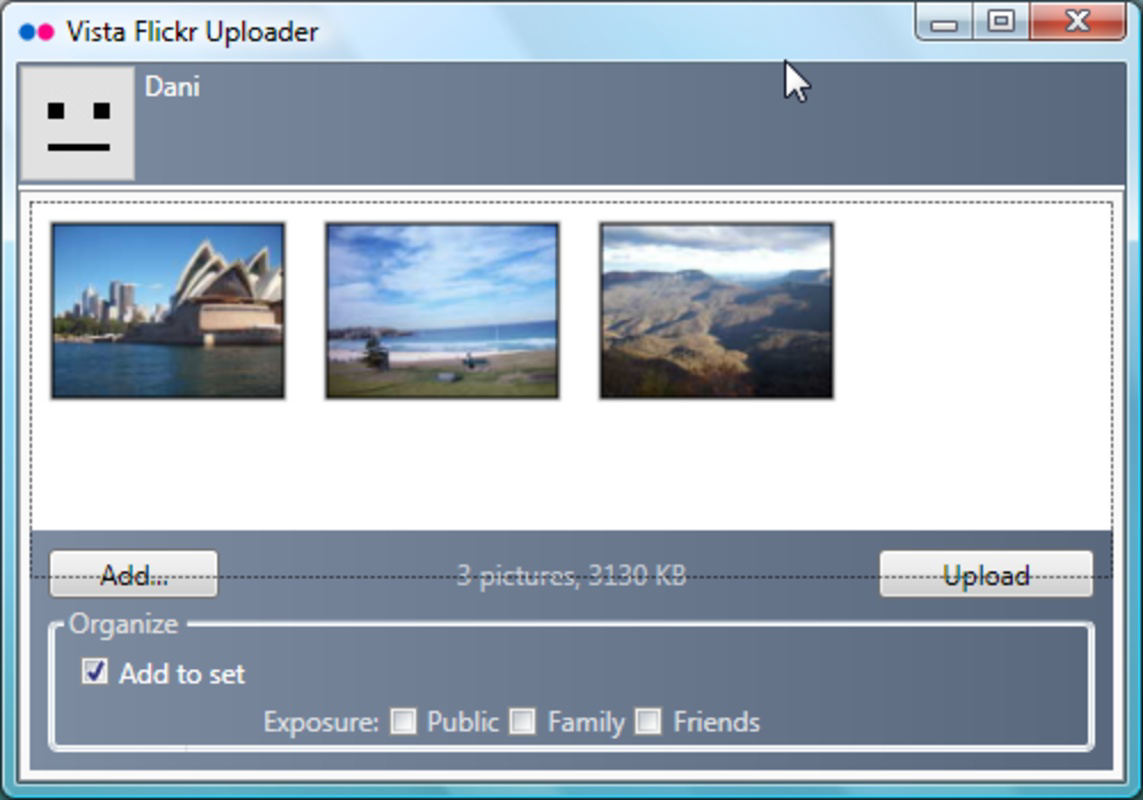
- Drag-and-Drop Uploads: Users can select photos directly from their device’s gallery using a drag-and-drop mechanism, reducing the number of steps required to initiate an upload and improving the overall user experience.
- Album Organization: Before uploading, users can group photos into custom albums, allowing for better categorization and visual coherence when viewing their Flickr profile.
- Individual Privacy Settings: Each photo can be assigned a specific privacy level—public, private, or friends-only—giving users granular control over image visibility and protecting sensitive content.
- Batch Upload Support: The app enables the simultaneous upload of multiple images, significantly reducing the time needed to manage large photo collections and improving workflow efficiency.
- Flickr Account Integration: The application is built specifically for Flickr, ensuring compatibility with the platform’s API and upload protocols, which helps maintain reliability and consistency.
For example, a travel photographer could use the app to upload a series of landscape images from a recent trip, assign them to a “Patagonia 2023” album, and set them to public visibility—all in under five minutes. Similarly, a hobbyist might use the privacy controls to share only select images with family members while keeping others private.
Interface, UX & Performance
The user interface of Vista Flickr Uploader is minimalistic and focused on core functionality. Navigation is straightforward, with primary actions such as selecting photos, setting privacy options, and initiating uploads clearly labeled and accessible. The visual design emphasizes usability over decorative elements, ensuring that users can complete tasks without distraction.
Navigation flow is linear and predictable: users select images, configure settings, and confirm uploads. The app does not include complex menus or layered workflows, which contributes to its ease of use. Although the developer did not list formal performance metrics, the app appears optimized for basic photo upload tasks across a range of device categories.
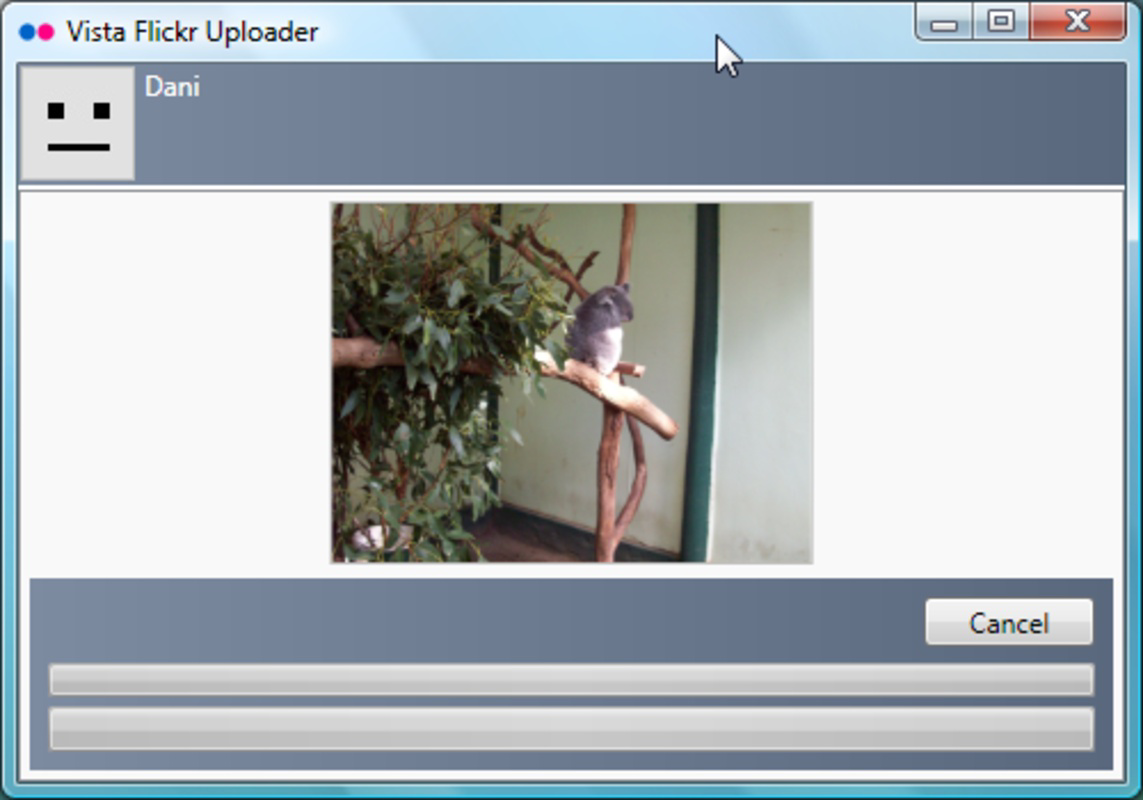
Responsiveness is consistent during the upload process, with progress indicators displayed for each file. Stability is maintained during typical usage scenarios, though no information was provided about crash rates or background processing behavior. The app does not require excessive system resources, making it suitable for older or mid-tier devices.
Platform Compatibility & Technical Requirements
Vista Flickr Uploader is designed for use on mobile platforms, though specific operating system details were not disclosed. The app’s file size is not publicly listed, which limits insight into storage requirements. Similarly, no version-specific compatibility information was provided.
The developer did not specify minimum OS requirements or device specifications. As such, compatibility with current smartphones or tablets cannot be confirmed. However, given its release date in 2008, the app may have been originally developed for older mobile operating systems and may require additional support or emulation for modern devices.
Pros and Cons
Pros
- Simple, intuitive interface ideal for beginners and casual users
- Efficient batch uploading for managing large photo collections
- Granular privacy controls for individual photos
- Direct integration with Flickr for seamless uploads
- Supports album organization to keep content structured
Cons
- Specific platform and OS compatibility details were not provided
- File size and technical requirements are undisclosed
- Release date indicates potential outdated infrastructure
- No information on update frequency or ongoing support
- May not function on modern mobile devices without compatibility layers
FAQ
Is Vista Flickr Uploader safe to use?
The app’s safety depends on the source from which it is downloaded. Users should ensure they obtain it from a trusted platform to avoid potential security risks.
Can I use Vista Flickr Uploader on iOS and Android?
Specific platform availability was not disclosed. The app may have been designed for a legacy mobile operating system and may not be compatible with current iOS or Android versions.
Does the app require internet access?
Yes, an active internet connection is required to upload photos to Flickr, as the app relies on real-time communication with the Flickr server.
How often is Vista Flickr Uploader updated?
The developer did not provide information on update frequency. Given its release date in 2008, the app may no longer receive regular updates.
Can I upload photos without creating an album?
Yes, users can upload photos directly to their Flickr account without assigning them to an album, though organizing them into albums is recommended for better content management.
Final Thoughts
Vista Flickr Uploader remains a focused tool for users deeply embedded in the Flickr community, offering a streamlined alternative to browser-based uploads. Its simplicity, privacy controls, and batch upload capabilities make it a practical choice for those who prioritize efficiency and organization. While its age raises questions about compatibility with modern devices, its core functionality still holds value for users with older systems or specific workflow needs.
For photographers and content creators who rely on Flickr as a central hub for their visual work, the app presents a reliable method to maintain an active, well-organized online gallery. Its minimalistic design and direct integration with the platform underscore its purpose: to make photo sharing effortless.
Download Vista Flickr Uploader now
Guides & Tutorials
How to install Vista Flickr Uploader
- Click the Download button above.
- Once redirected, accept the terms and click Install.
- Wait for the Vista Flickr Uploader download to finish on your device.
How to use Vista Flickr Uploader
This software is primarily used for its core features described above. Open the app after installation to explore its capabilities.
User Reviews
No reviews yet. Be the first to share your experience.
You may also like
more
Que no te pillen¡
About !Que no te pillen¡Reviewed by Jason A. BilbreyShow MoreShow Less

3D Combat Zone
About 3D Combat ZoneOriginally released in 1983, 3D Combat Zone immerses players...

666: El día del portal
About 666: El día del portalOn June 6, 2006, Agent P. Stone uncovers a sinister...

80 in 1 Best Flash games
About 80 in 1 Best Flash games 80 in 1 Best Flash games is a collection of 80 fl...

ABYSS SEEKERーーWhat Do You See Deep in The Abyss
About ABYSS SEEKERーーWhat Do You See Deep in The AbyssIn ABYSS SEEKER, players...

ACA NEOGEO THE KING OF FIGHTERS 2002 for Windows
About ACA NEOGEO THE KING OF FIGHTERS 2002 for WindowsTHE KING OF FIGHTERS 2002,...